Record once. Keep it editable.
Record your screen, camera, and audio, then open the take in Studio. Custom shortcuts, pause controls, and a teleprompter help you spend less time restarting.
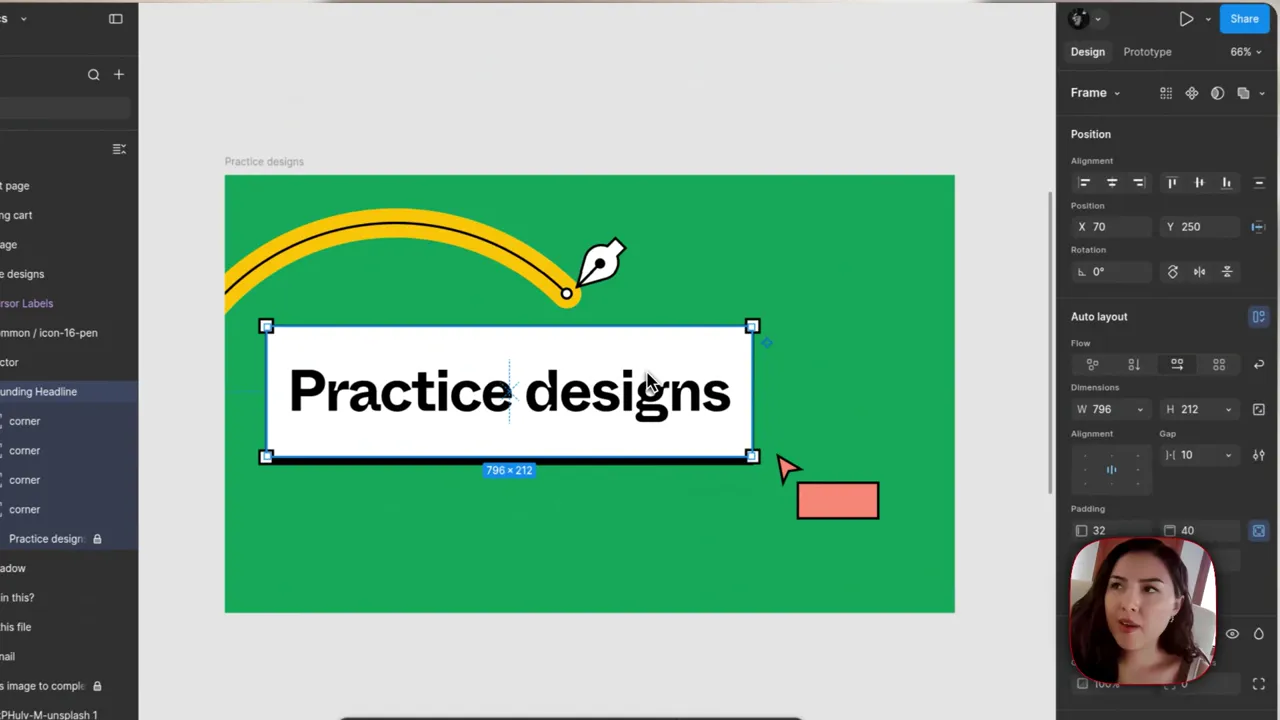
Frame it before you record.
Choose a screen, app window, or selected area before the take. Capture the part you need so there's less to crop afterward, and start with a shortcut you choose.

Capture the tracks together.
Capture your camera, microphone, and supported system audio alongside the screen. Adjust the captured tracks separately in Studio. Available sources depend on your system and permissions.
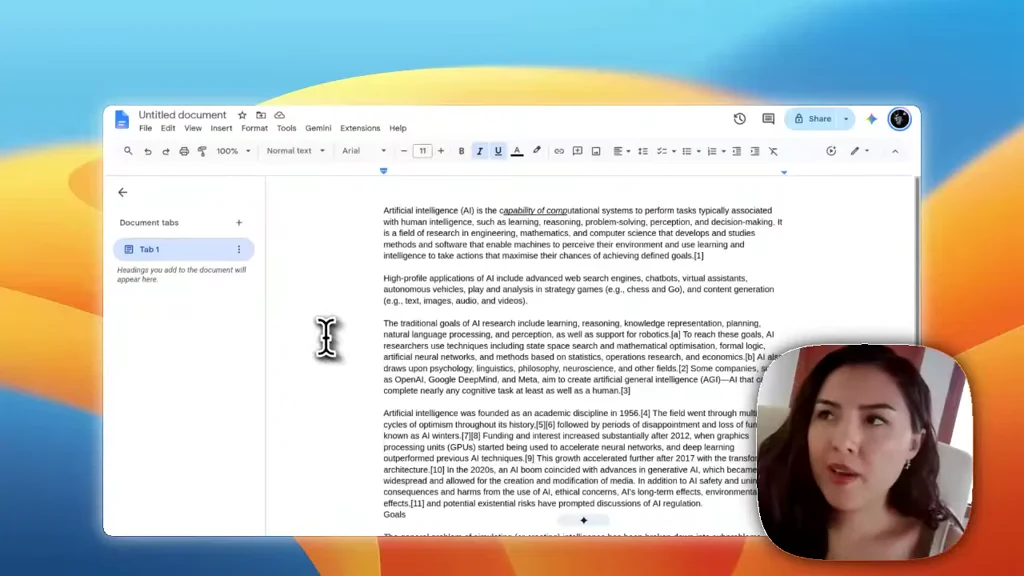
Pause instead of starting over.
Need to check a note or catch your breath? Pause and continue the same take. Restart from the controls when you need a new one, or use your own shortcuts to keep recording.

Keep the next line in view.
Read from a floating teleprompter while you record. Adjust scrolling speed, text size, and transparency so you can follow the script without switching windows to check your notes.

Pick up the edit later.
Open a recording from Projects and continue with its original sources. The editable project stays on your computer, so a later change starts from your existing work.
