Use your clicks. Skip the keyframes.
Generate zooms from recorded clicks, or place the focus yourself. Choose 2D, 3D, or glass, then adjust timing and framing without animating each move by hand.
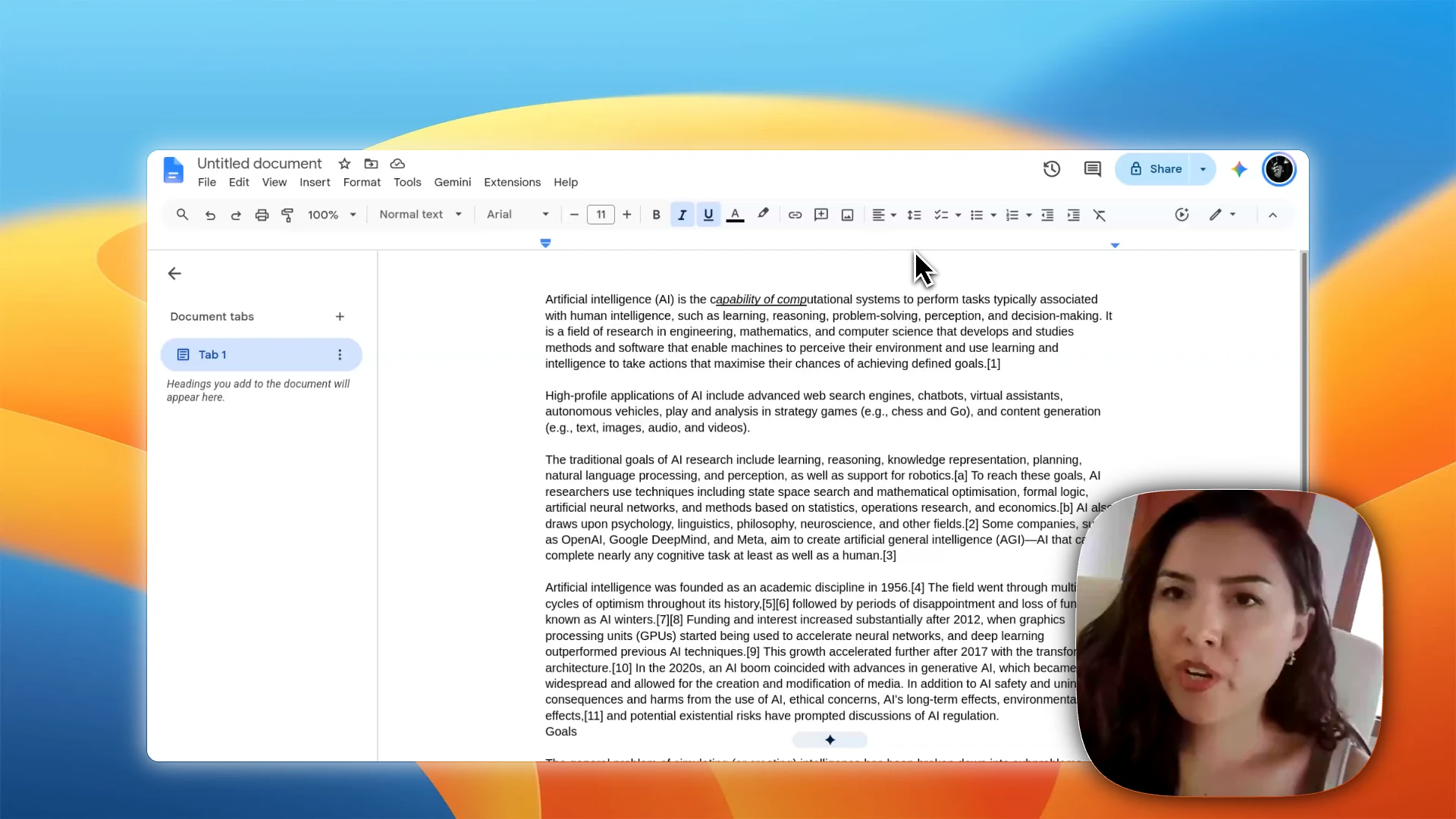
Let the zoom follow your cursor.
Use recorded cursor data to keep a 2D zoom on the action, or choose a fixed focus. Set the timing and magnification; Beam animates the move between views.

Start with a tilt preset.
Choose a direction for the 3D move, then adjust the tilt, intensity, and timing. Add perspective to the same recording without building a separate animation.

Magnify a detail. Keep the context.
Place a circular lens or draw its outline around the part you want to show. The rest of the frame stays visible, so viewers can see the detail and where it belongs.

Generate the zooms. Review the result.
Build zooms from recorded clicks instead of placing each one on the timeline. Nearby clicks can share a glass lens. Move, resize, or retime the generated zooms when you want a different result.

Use the same lenses on screenshots.
Add manual 2D, 3D, or glass layers directly to a screenshot. Enlarge a detail and style the lens in the same composition, without exporting the image to another app.
