
One screenshot. Fewer follow-ups.
Capture, annotate, blur, and style a screenshot in one editor. Keep the layers editable, then copy the finished image or export PNG or WebP.
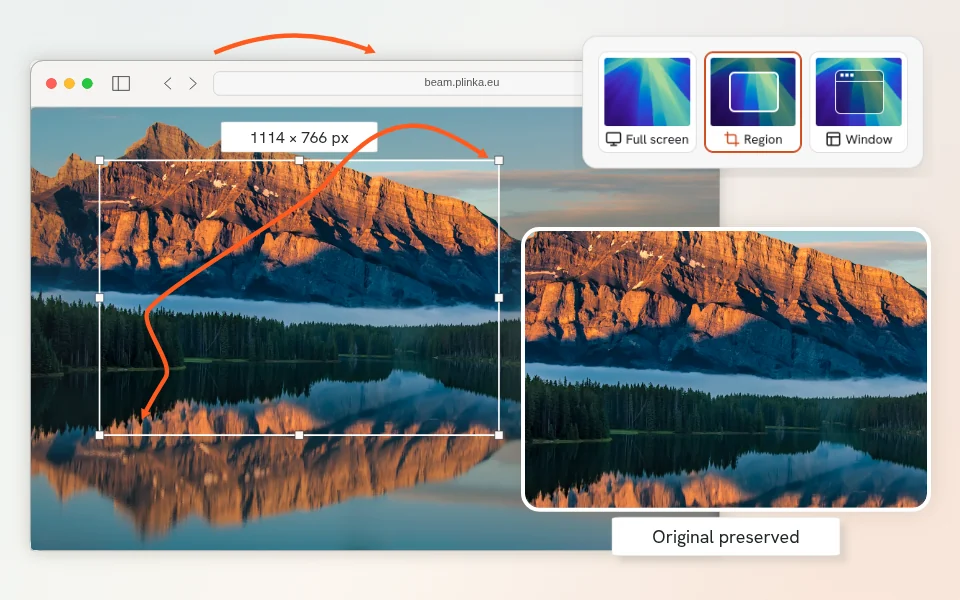
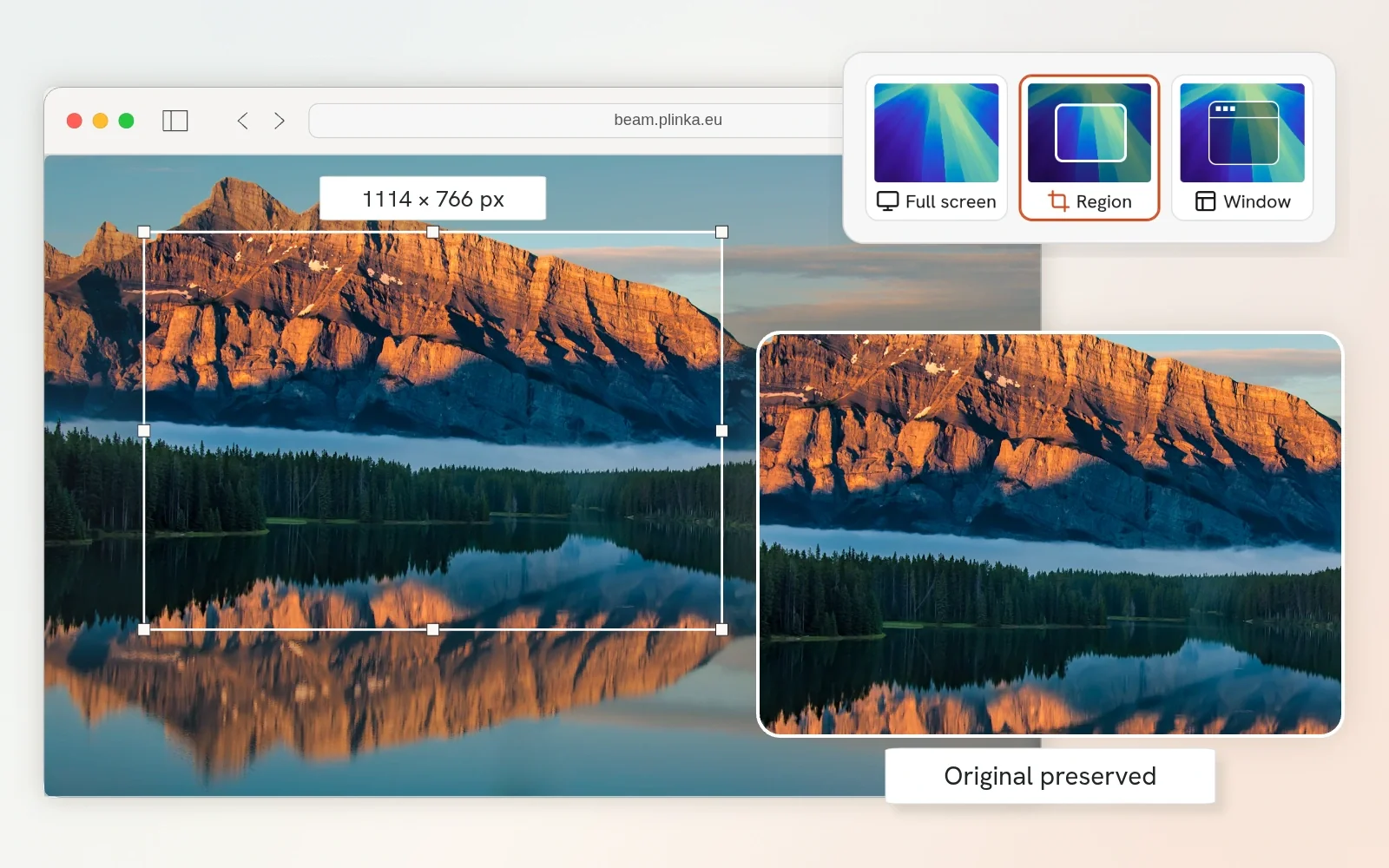
Crop once. Keep the original.
Capture a screen, window, or selected area, then adjust the crop and image size in the editor. The original stays intact when you need to change the framing.
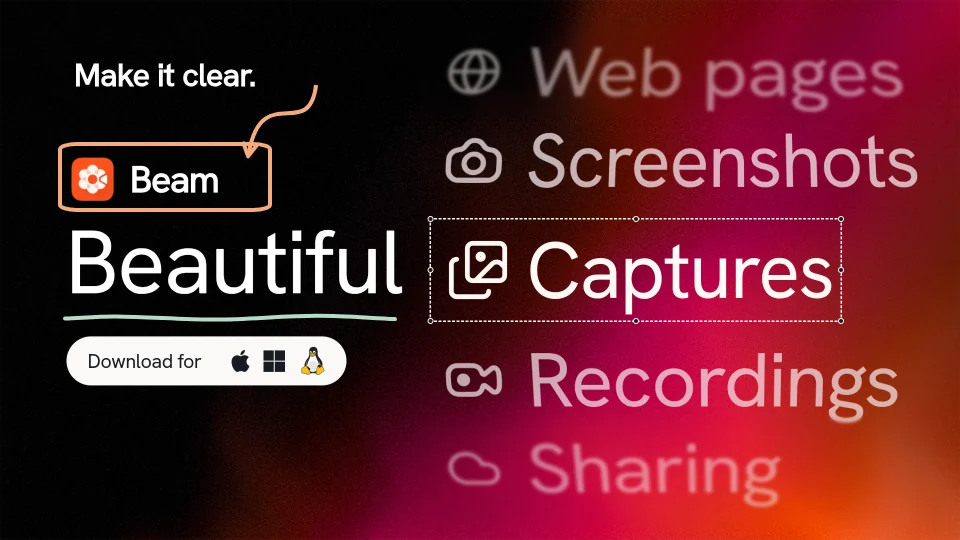
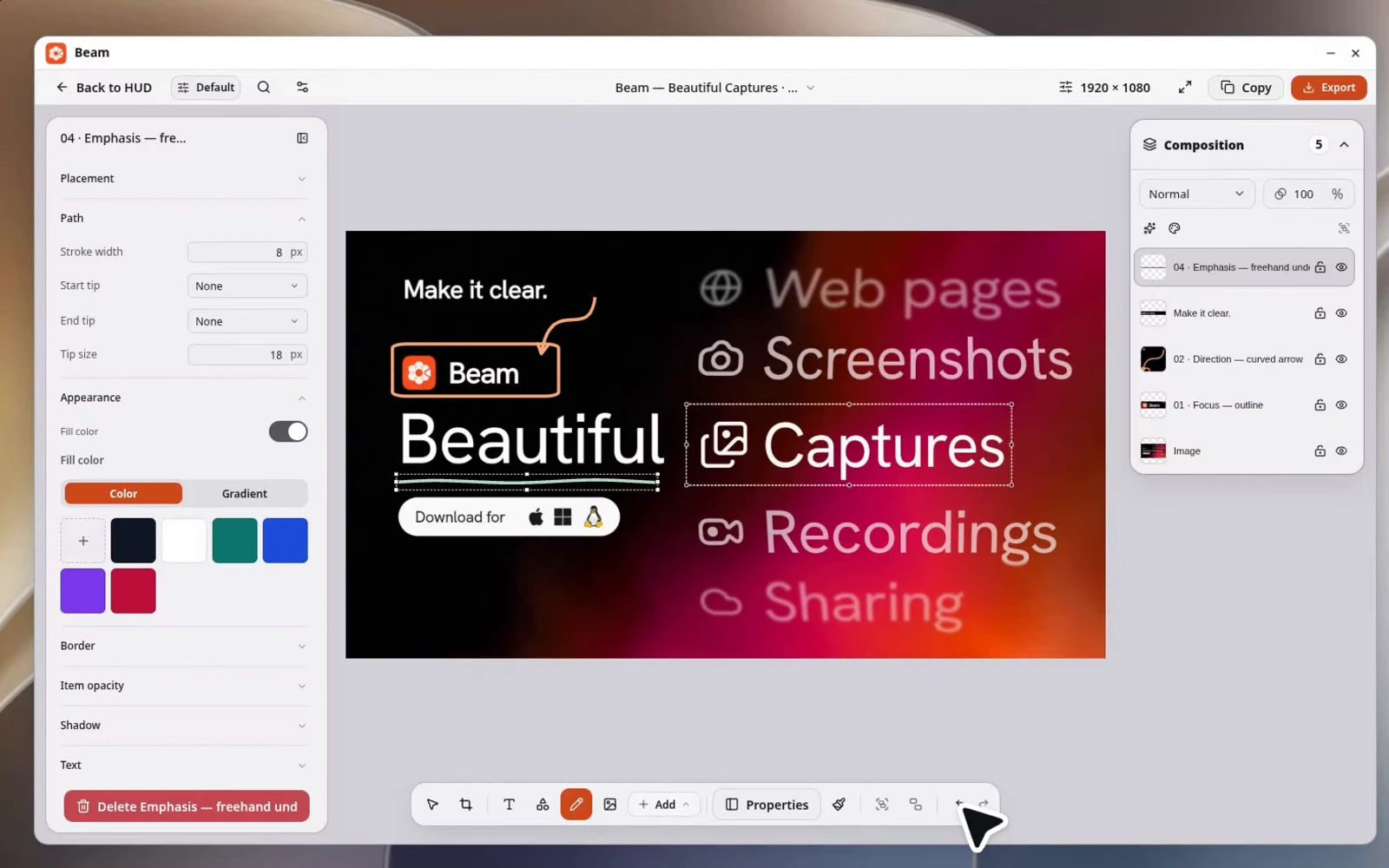
Make the point on the screenshot.
Add arrows, text, shapes, and drawings directly to the capture. Show where to click or what changed, without writing a separate set of instructions.
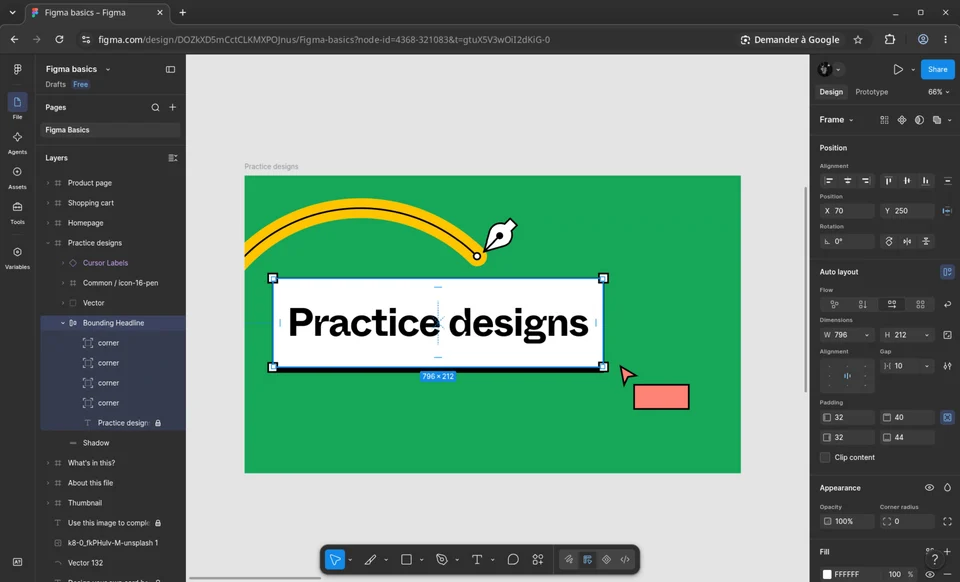
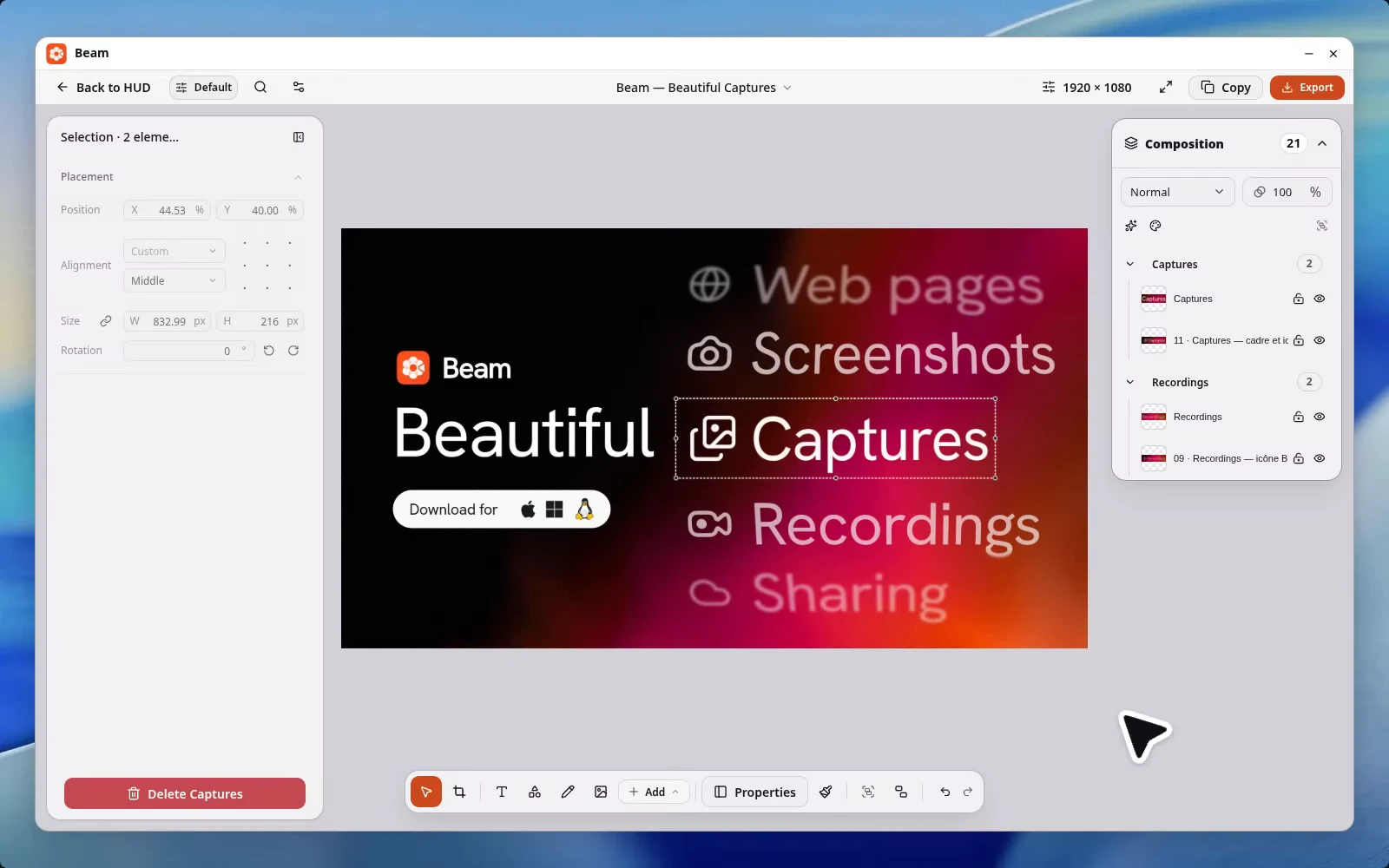
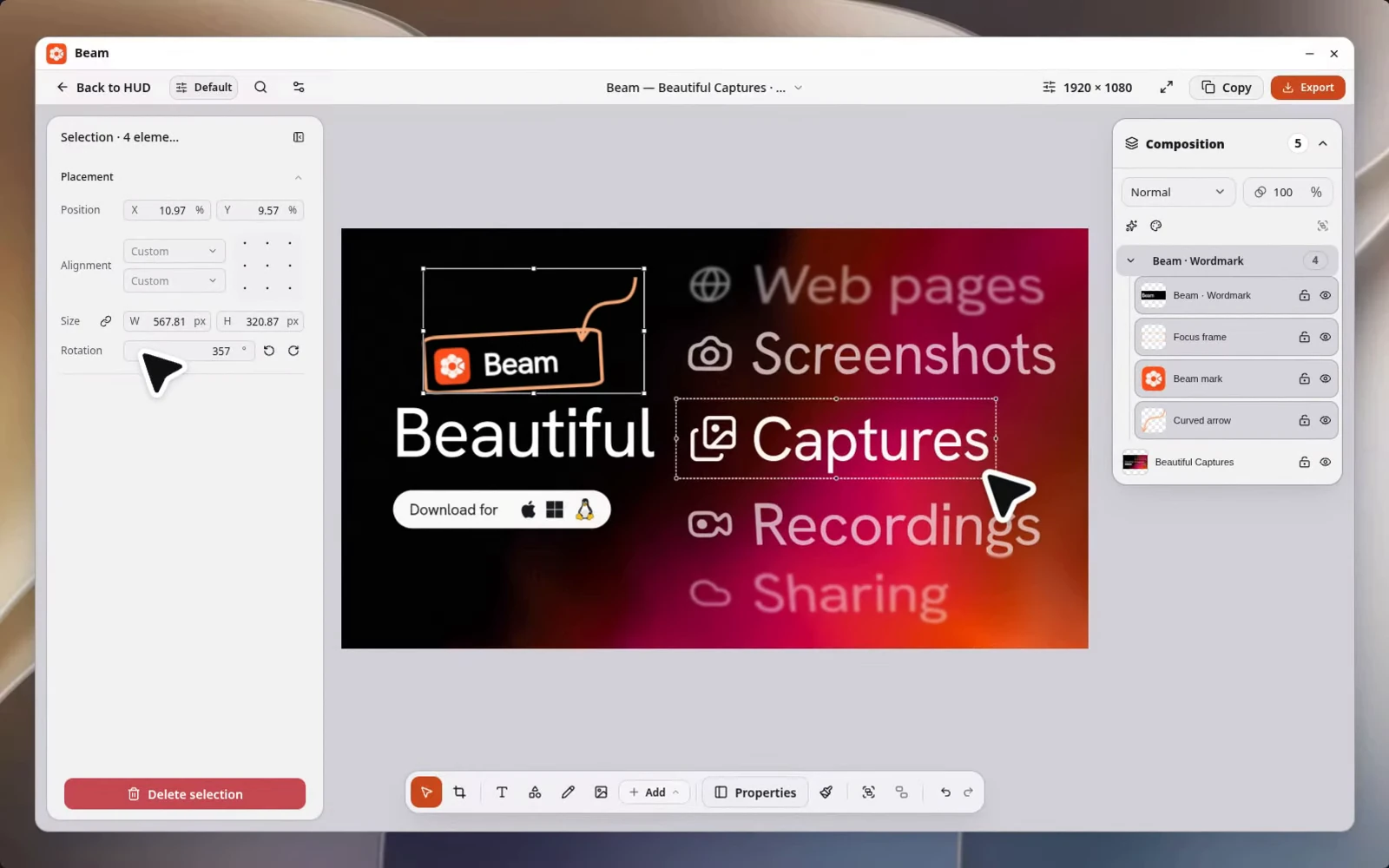
Move the group. Keep the layout.
Combine captures, text, and annotations on one canvas. Name and group layers to move, resize, or rotate related elements together. Reopen the saved project when the image needs another edit.
Hide distractions. Enlarge the detail.
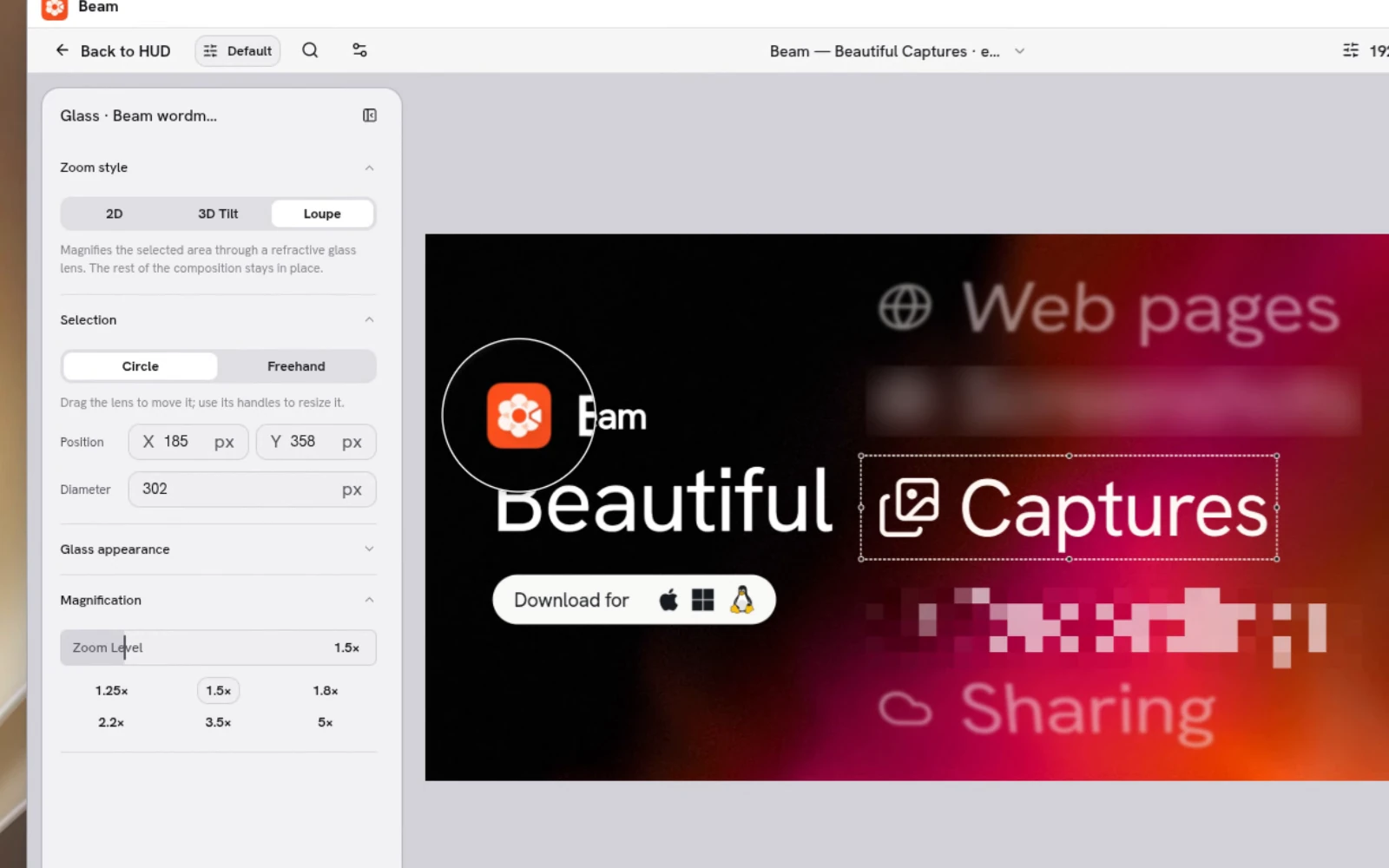
Blur or pixelate an area, highlight what matters, or add a manual 2D, 3D, or glass lens. Make those changes on the same canvas as your annotations.
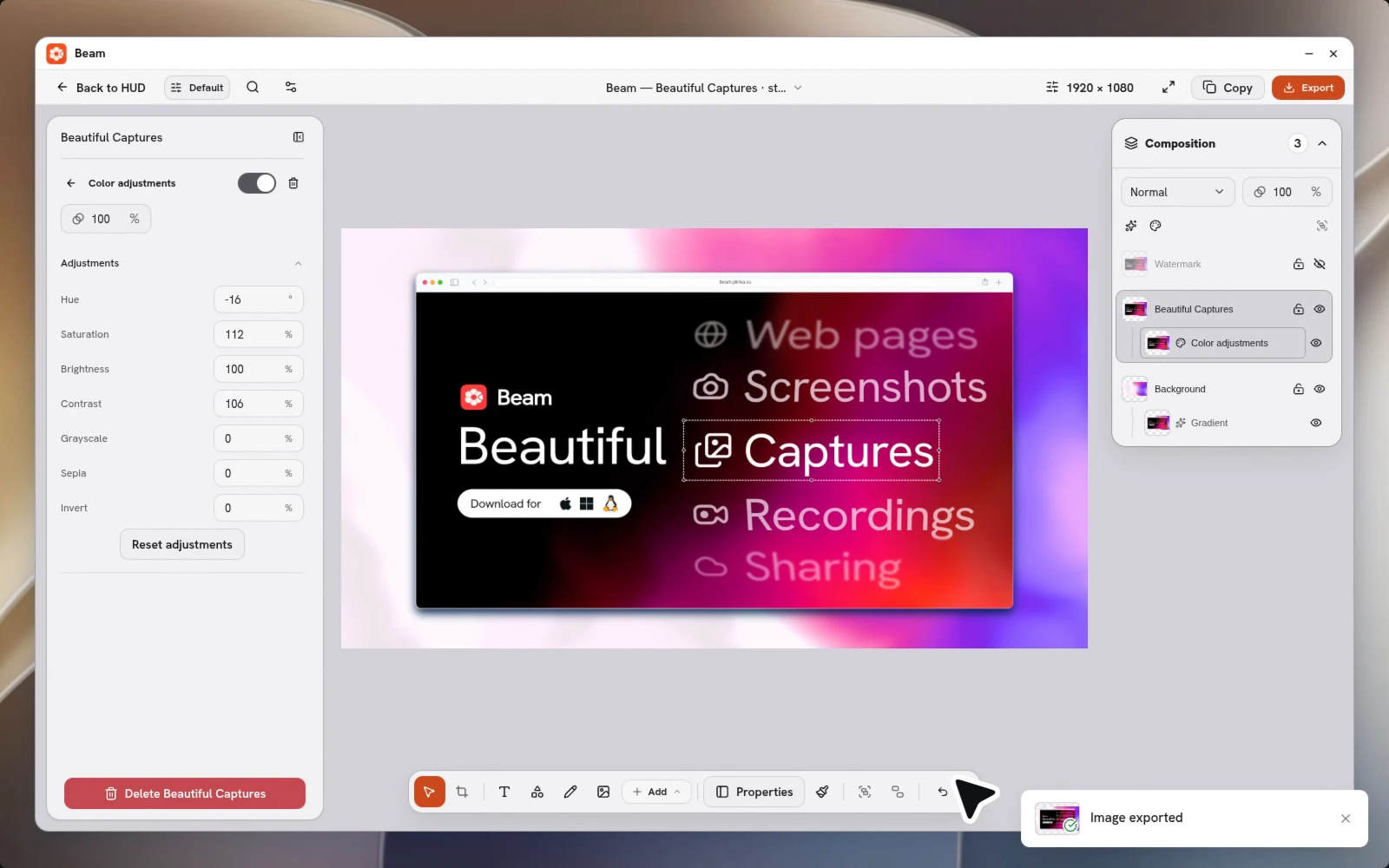
Style it. Copy the finished image.
Add a background, frame, padding, or shadow in the screenshot editor. Adjust colors and effects without changing the original, then copy the composition or export PNG or WebP.